Happy halloween
If you know what my pumpkin references are, they just started filming a second season. It’s one of the cleverest TV shows I’ve ever seen.

Good morning. This is what I’ve been working on in between family and day job, for the past 7 months. You can help me test it testflight.apple.com/join/o9hm…
I gave up on maintaining dark and light appearances for my blog, I picked a simple light-only Micro.blog theme. I just don’t have time to play with this stuff. And today I’m learning about upcoming Safari change which pretty much solves the dark mode issue for me.
Shortcuts app has the “toggle” action, but the action is not available for Home app automations. This means I can’t programme a button to toggle a light without IF ELSE statements. Worse, once I write my own toggle functionality, I can’t duplicate it for other accessories. iOS 27.0.1
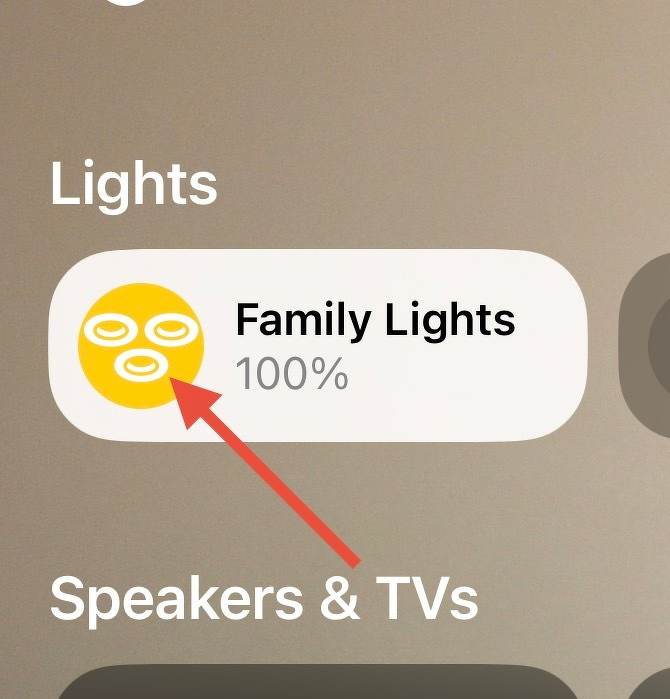
Today I learned I can press on the circle to toggle on and off the state of any Home app accessory. It was annoying me for years because I was pressing on the white bit, which brings full-screen options. 🤦🏻♂️
If you know what my pumpkin references are, they just started filming a second season. It’s one of the cleverest TV shows I’ve ever seen.
If you’re upgrading to macOS Golden Gate and you have an AirPort Time Capsule, Time Machine won’t be able to back up to it. macOS 27 removes support for AFP, the legacy file-sharing protocol that Time Capsule relies on for Time Machine backups. Said backups now exclusively use the SMB protocol, which Apple’s discontinued Time Capsule hardware does not support in the form required by macOS 27.
I was able to get my hands on a Synology RT6600AX, it supports SMB. But it doesn’t support SMB for Time Machine drives. For Time Machine, it still uses AFP. I don’t think any conventional router does; if you know which, let me know. And while I hope Synology can fix it with a software update, I decided to retreat to an older technology — wires.1
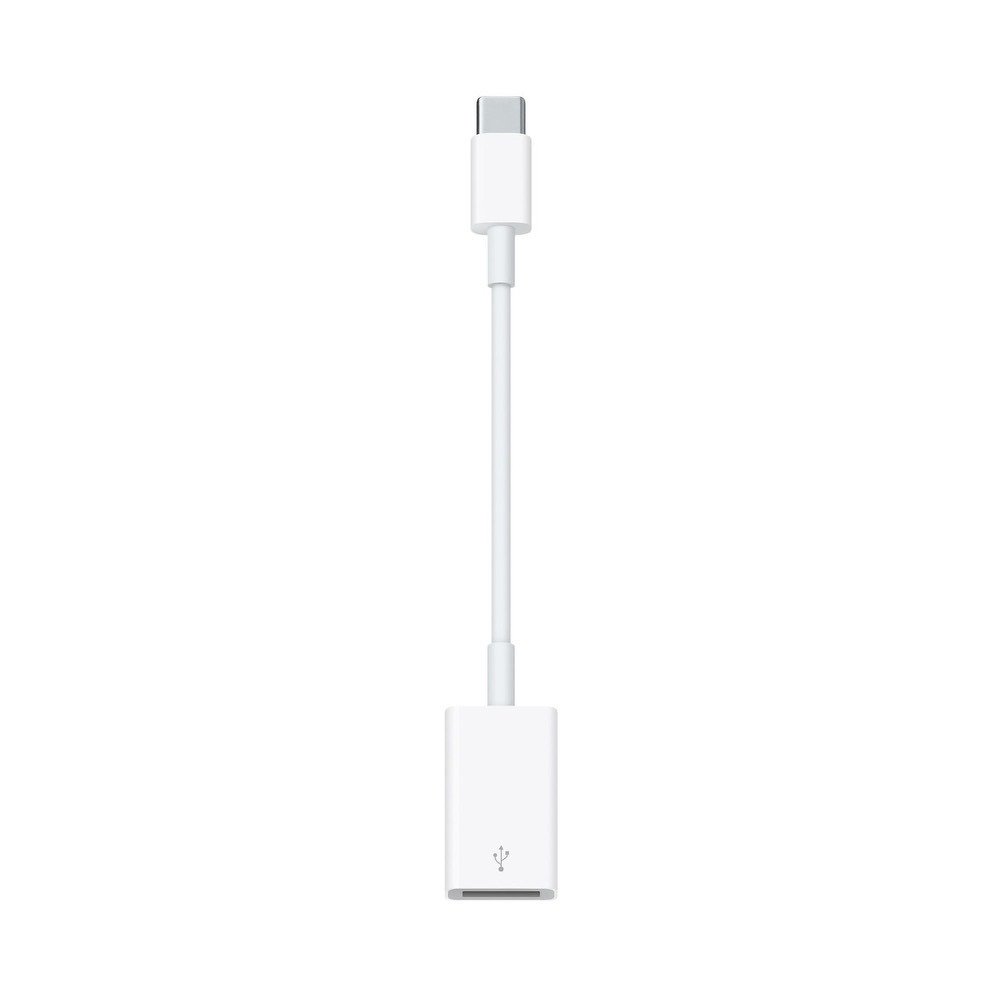
Image source Apple.
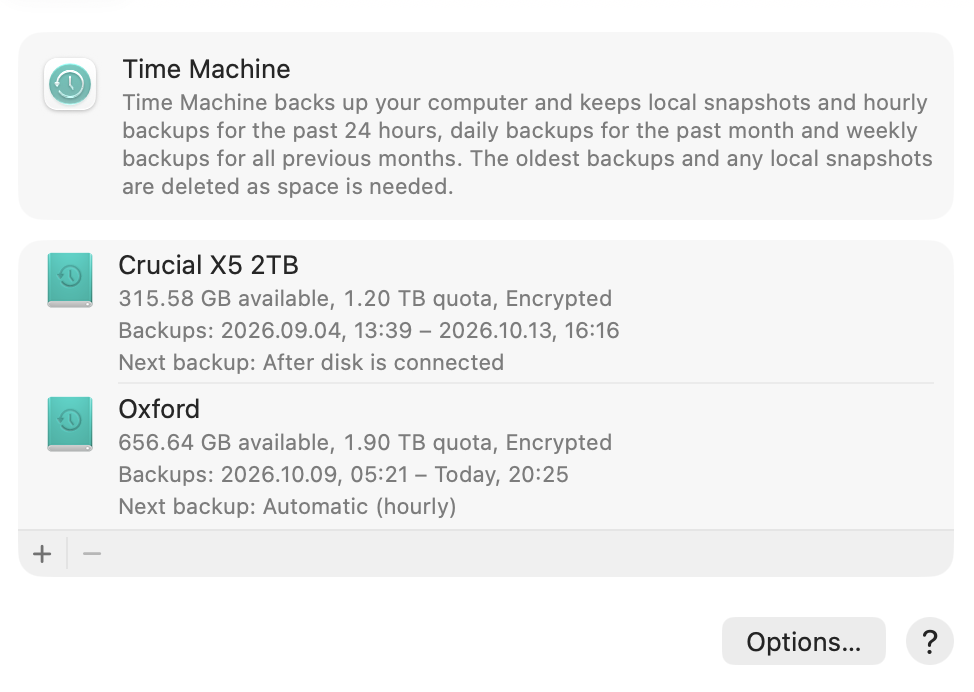
I dusted off my ancient 2 TB hard drive and now I use it for backing up with USB. Initial backup took more than 2 days, but I am very happy with it. I am backing up my own MacBook Pro, as well as Lana’s (my wife’s) MacBook Air. In addition, I use a little SSD drive for a second backup. I always carry it in my bag, and that’s a backup solution when we are on holiday. Wires are useful. It’s a very cheap solution, and now I have 2 backups instead of one.
I appreciate that all Apple adapters have a wire in the middle which takes pressure away from USB-C ports, and are also aesthetically pleasing. ↩︎
I carry my 16-inch MacBook Pro almost everywhere I go and travel. I tolerate extra weight because it allows me to work and study from anywhere using the full power of Mac OS X. This computer is part of my identity. It can be a workstation, a typewriter, an image editor, a server, or a media server. You can connect it to your hotel TV or even a projector. I always travel with an HDMI cable. That’s the MacBook Pro experience and it brings me a little joy every time I accomplish a task. I have a config with 32 GB of RAM and 1 TB SSD, so upgrading would only make sense to choose the 64 GB RAM option and at least 2 TB SSD. It’s a great machine and it still works great. There’s no reason for me to upgrade because I feel like I started to push against RAM and storage limits only this year. I now carry an external drive with me with data for my Plex media server. It is also very expensive to upgrade, and I can’t afford it.
I don’t like that we have last-gen MacBook Pro with next-gen M6, and next-gen hardware with M5 Pro and Max. That’s just a bit confusing. How does the M6 compare to the M5 Pro? Does it mean that the M6 might be a better value, as it costs less and it has a higher version number? Certainly in some use cases. But where the new MacBook Pro with OLED screen shines is not the chip. It’s the higher contrast screen, non-glossy option, the weight reduction and the glowing Apple logo, of course. The latter is a clever nostalgia bait, and I think it works for me. I want it even though I can’t afford it.
I hope we will see a slow trickle down of the new display tech to all Pro models, and then Air, Neo. That should include touch. Yes, I think touch is a good thing. My kids tried to touch my screen sometimes. When I inevitably need to buy a computer for them, and if it’s a laptop, I want it to have a touch interface. What about me? I am already imagining myself using my fingers for drag and drop and maybe some image editing. I am not worried about screen marks. I already have to clean the screen often as it accumulates dust and keyboard marks. I might as well try using a touch interface in a moment, that feels like a fun thing to do.
The Apple logo glowing!
I will share some updates very soon about a side-project I’ve been working on since July.
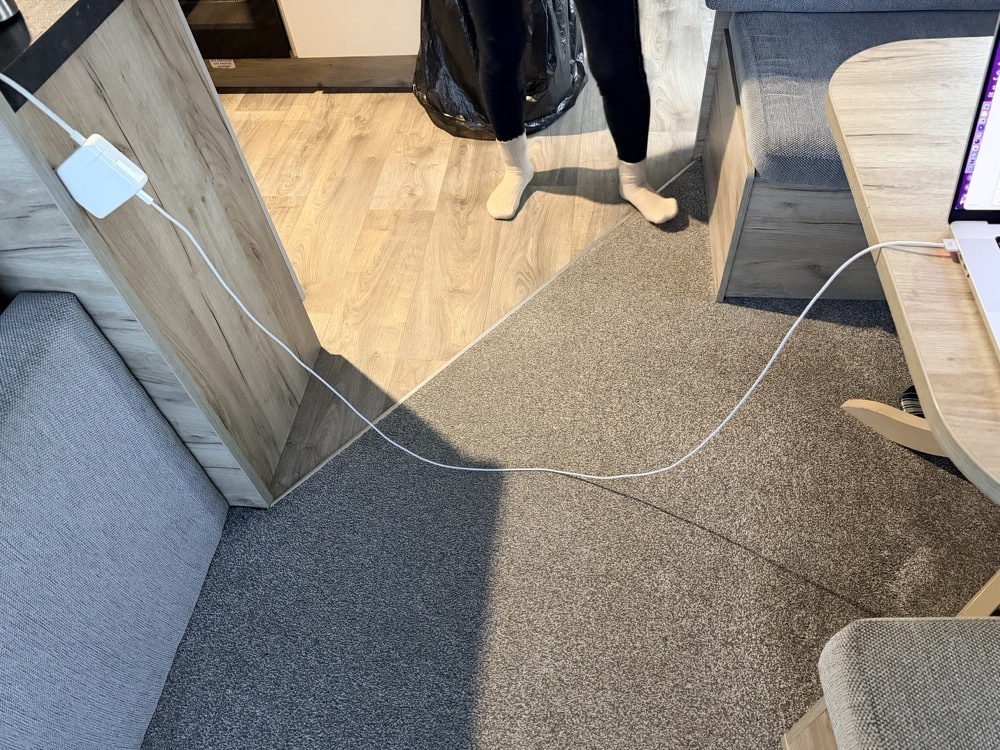
Working remotely from Sussex. In the moments like this I appreciate MagSafe. I started to pack my extension cord as an essential. I like the long length and extra comfort and safety from grounding.
Experience the original iPod, right in your browser. Love it music.apple.com/404