If you’re upgrading to macOS Golden Gate and you have an AirPort Time Capsule, Time Machine won’t be able to back up to it. macOS 27 removes support for AFP, the legacy file-sharing protocol that Time Capsule relies on for Time Machine backups. Said backups now exclusively use the SMB protocol, which Apple’s discontinued Time Capsule hardware does not support in the form required by macOS 27.
I was able to get my hands on a Synology RT6600AX, it supports SMB. But it doesn’t support SMB for Time Machine drives. For Time Machine, it still uses AFP. I don’t think any conventional router does; if you know which, let me know. And while I hope Synology can fix it with a software update, I decided to retreat to an older technology — wires.1
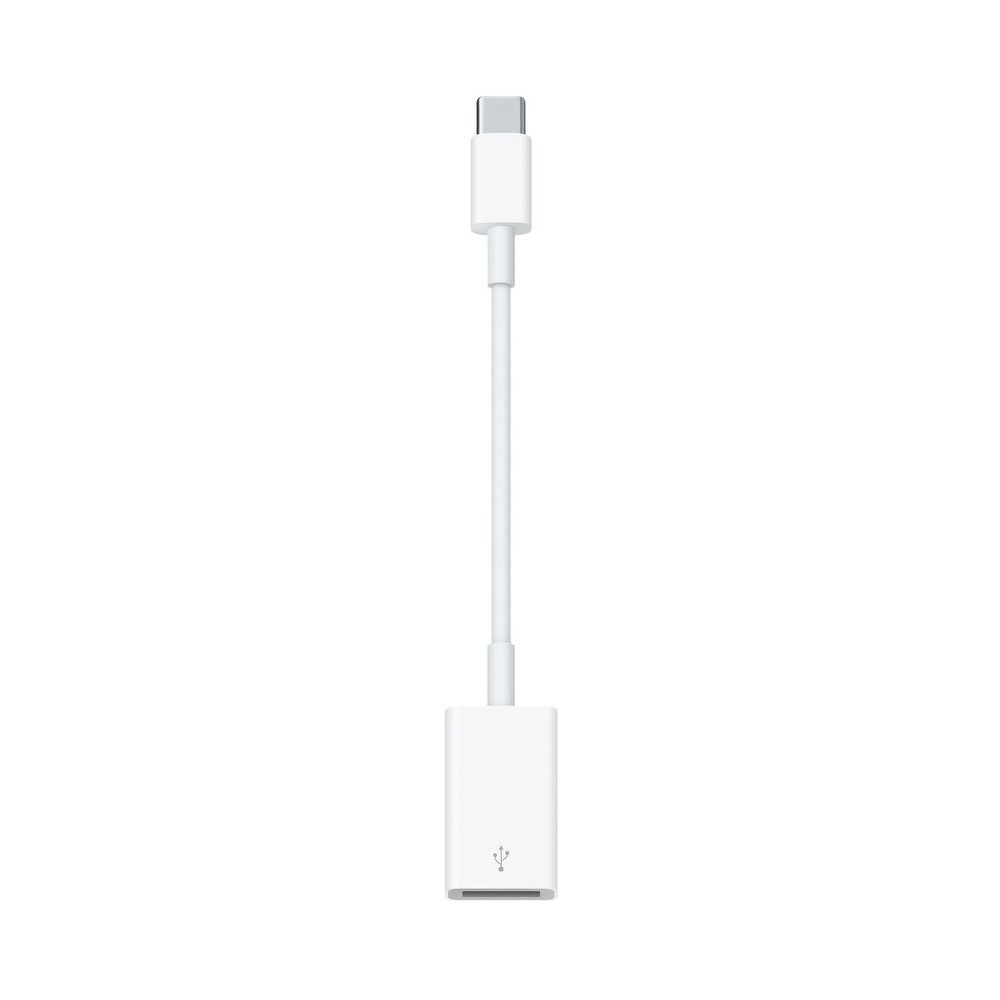
Image source Apple.
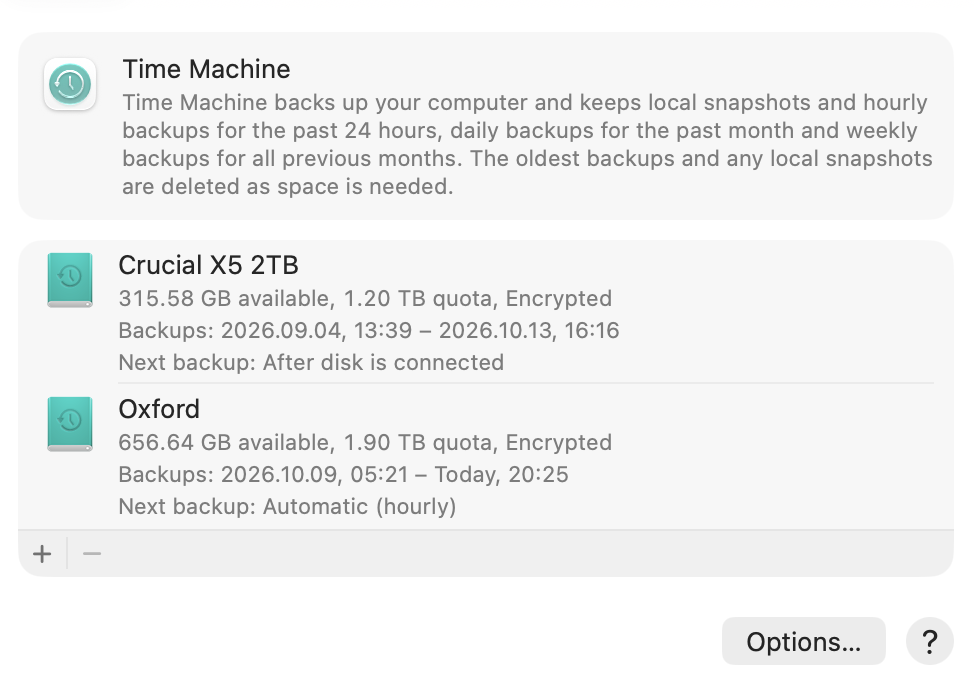
I dusted off my ancient 2 TB hard drive and now I use it for backing up with USB. Initial backup took more than 2 days, but I am very happy with it. I am backing up my own MacBook Pro, as well as Lana’s (my wife’s) MacBook Air. In addition, I use a little SSD drive for a second backup. I always carry it in my bag, and that’s a backup solution when we are on holiday. Wires are useful. It’s a very cheap solution, and now I have 2 backups instead of one.
-
I appreciate that all Apple adapters have a wire in the middle which takes pressure away from USB-C ports, and are also aesthetically pleasing. ↩︎