Xcode 27 and Claude Code skills
If you prefer using Claude Code through the command line still, you can get all Xcode 27 skills by running this command:
xcrun agent skills export --output-dir ~/.claude/skills
You need to have Xcode 27 installed (1), and selected as default (2). If you don’t do the second step, you will see this error:
xcrun: error: unable to find utility "agent", not a developer tool or in PATH
This output you should see
Launching Xcode...
Exported 10 skills to ~/.claude/skills
  ✓ device-interaction
  ✓ adopt-c-bounds-safety
  ✓ swiftui-specialist
  ✓ app-intents-specialist
  ✓ modernize-tests
  ✓ uikit-app-modernization
  ✓ swiftui-whats-new-27
  ✓ audit-xcode-security-settings
  ✓ building-document-based-swiftui-applications
  ✓ app-intents-whats-new-27
Verify the installation with the /skills command.
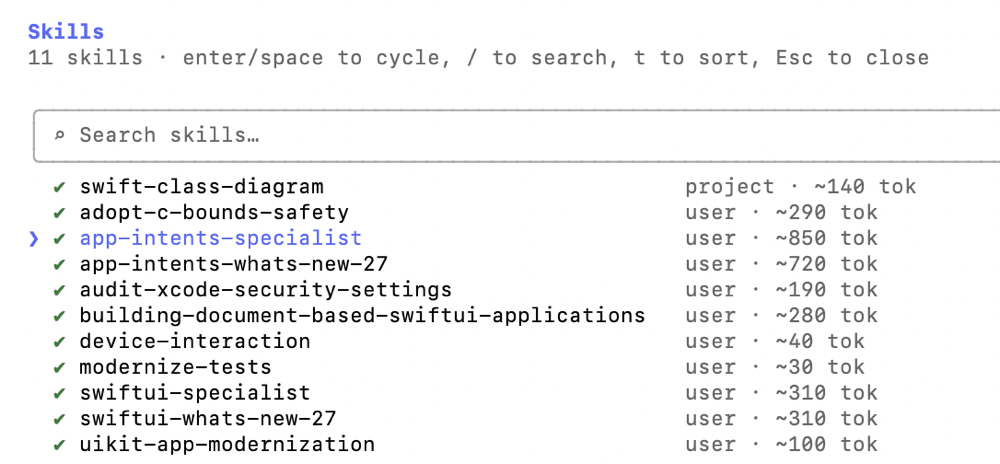
All done. ✅